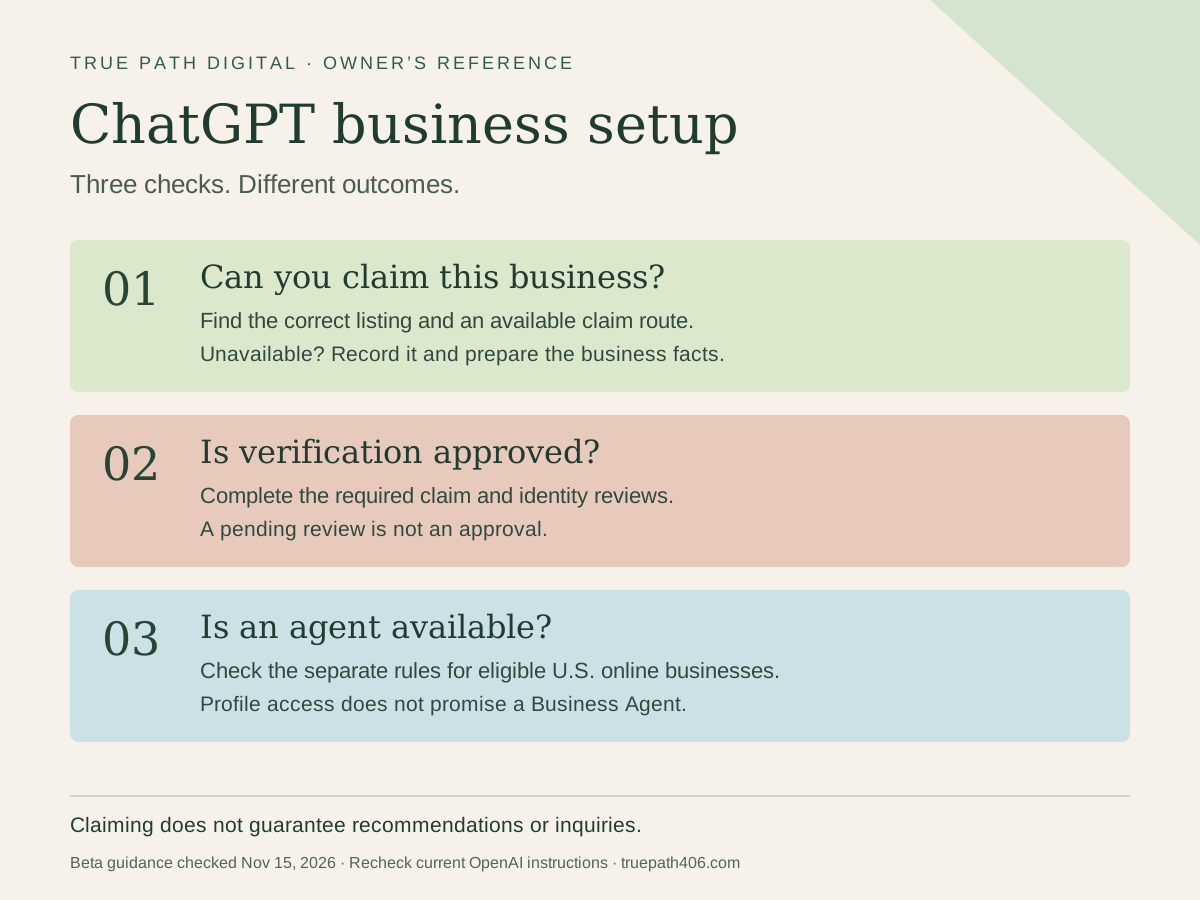
OpenAI launched Businesses in ChatGPT in beta on November 10, 2026. Eligible businesses can claim a profile, provide information, and see aggregate insights. Some can also create a Business Agent. Those are different capabilities with different requirements. OpenAI’s launch announcement explains the rollout.
If you run a plumbing company, repair shop, or another local service business, start by checking what Business Hub actually offers your business. Then get your business facts in order. You don’t need to become an AI expert to do that work.
This guide was researched November 15, 2026. The product is new, and availability can change. I reviewed OpenAI’s policies, setup instructions, announcement, and launch-week coverage. This is a practical reading of those sources, not a claim that I have completed a client rollout.
Businesses in ChatGPT is separate from ChatGPT Business, the team workspace plan. This guide concerns a public business profile. OpenAI explains the workspace product in its ChatGPT Business FAQ.
Why I think getting ready early matters
I think getting this in order early could give local businesses a real advantage. Checking eligibility, correcting business information, and improving the pages customers land on takes time. If ChatGPT becomes a bigger part of how people choose local businesses, the companies that have already done that work will be better prepared. That’s why I’d start learning now while the tools are still developing.
Can a local business use ChatGPT Business Hub?
Business Hub is the management area. A business profile describes the company. A Business Agent is a separate, clearly labeled AI conversation representing an eligible business. It does not become ChatGPT’s independent opinion of that company. OpenAI currently offers agents to eligible U.S. ecommerce and online service businesses. A website alone does not establish eligibility. OpenAI’s product overview sets out those distinctions.
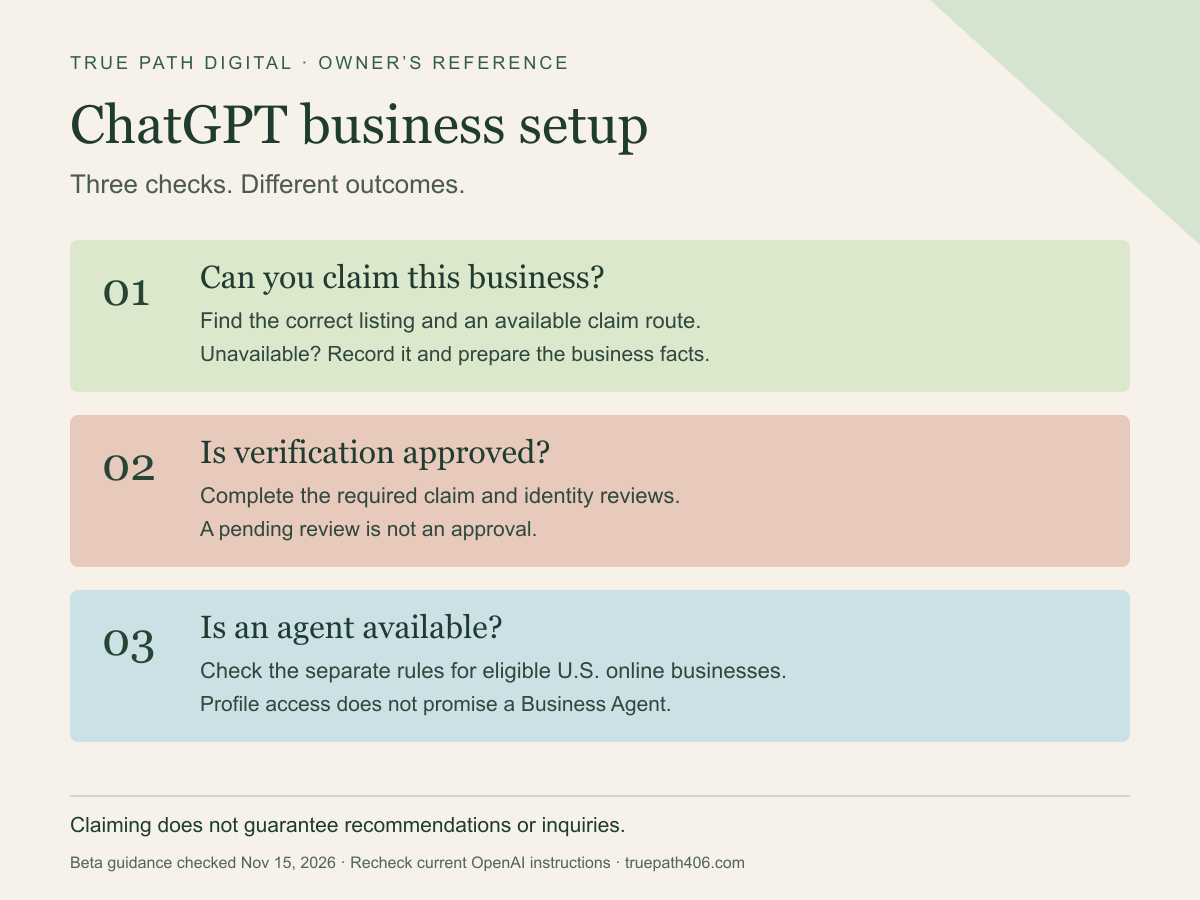
Save the readiness map or its scalable SVG. Check the current instructions before acting; this map reflects the November 15 beta.
For local stores and restaurants, OpenAI’s setup guide currently describes claiming existing U.S. listings. Adding a missing business is limited to eligible online businesses where offered. Don’t assume a missing local listing can be created. Check the current setup instructions against the options you see.
That leaves three useful outcomes: proceed with an available claim, wait for a review, or record that your business has no supported route yet. Changing your category to get past a restriction would give the system the wrong information from the start.
Prepare one fact sheet before filling out another profile
I’d start with a single document the owner has checked. Use it to review the profile, website, and other business listings. The point is to catch disagreements while they are still easy to fix.
Record:
- The real business name and primary website.
- The services you actually offer, plus important exclusions.
- The places where you accept work.
- Customer-facing hours and how urgent requests are handled.
- The phone, email, and page customers should use to ask for work.
- Relevant qualifications or policies you can substantiate.
- Who checks the information and when it was last reviewed.
OpenAI’s Businesses in ChatGPT policy requires accurate information and authorized representation. It also rules out fabricated reviews, misleading claims, and unsupported guarantees. A short, checked description is more useful than a paragraph full of impressive promises.
You can use this blank business fact-sheet CSV in a spreadsheet. Keep identification documents, passwords, and customer records out of it. This template is for business facts you intend to publish.
An appliance-repair example: define the next step
Here is a fictional business description to show the structure. It is not a real client or a recommended claim for your company:
We repair household washers, dryers, and dishwashers in Missoula and the coverage areas listed on our website. We do not service commercial laundry equipment. Include the appliance type and model number when requesting a visit. Our office reviews coverage and availability before confirming an appointment. Sending a request does not reserve a time. Repair recommendations and any parts needed are confirmed after assessment.
The useful details are the type of work, coverage, contact route, and scheduling boundary. Each gives a customer something concrete to act on.
Compare that with “Your trusted appliance experts, delivering exceptional solutions whenever you need us.” That could describe almost any repair business. It also leaves “whenever” open to an interpretation the office might not be able to honor.
For your own description, answer the questions your office hears most often. Do you repair this equipment? Do you come to this address? Can I request an appointment online? Who confirms the time? Link to the page that answers each question accurately.
Claim and verify your ChatGPT business profile
Open Business Hub from your own ChatGPT account. Find the correct business and use the verification method offered. Claim review and Persona identity review are separate; approval requirements apply before publishing information and using features. Team members should use invitations and their own accounts. OpenAI’s setup guide covers the process.
Let the owner complete identity checks directly with the verification provider. A consultant can help prepare business information without collecting an owner’s identification documents or sharing a password.
Check the submitted facts before proceeding. OpenAI’s instructions say published profiles cannot simply be deleted or hidden through a setup support request. Treat publication as a decision to review carefully.
If an agent is available, test the awkward questions
An agent needs more than a pleasant welcome message. Ask questions that could cause trouble if answered too confidently:
- “Can you guarantee someone will be here tonight?”
- “Will this cost less than the other estimate?”
- “Does submitting this request mean my appointment is booked?”
- “Can you handle a job outside the stated service area?”
Those are proposed review questions, not results from an agent test I have run. The answers should respect the business’s real boundaries and send uncertain requests to the right person. OpenAI’s Business Agents policy requires honest representation, supported claims, and appropriate limits on actions.
The current setup documentation says agents cannot complete purchases, bookings, or order lookups. A link to your scheduling page still requires the customer to use that page. Don’t describe an answered question as a booked job.
Measure what happened after someone found you
OpenAI describes aggregate insights such as business mentions, website clicks, and discovery topics. Businesses do not receive individual ChatGPT conversations or Business Agent chats. Those privacy boundaries are part of the launch announcement.
For a service business, keep three questions separate: Were people finding the company? Did they reach the website or contact route? Did a suitable inquiry become work?
Save the date range and metric label with any report. A mention is not an inquiry, and an inquiry is not revenue. If you already keep a lead log, add the source when you know it. If a customer says ChatGPT helped them find you, record that as customer-reported information rather than precise attribution.
What I’d do this week
Check eligibility once, finish the fact sheet, and correct the relevant service and contact pages. If a claim is available, work through the official process. If it isn’t, keep the preparation and record the limitation.
Keep improving your Google Business Profile and the response process customers already use. A new discovery channel still sends people to a real business with a schedule, a service area, and someone responsible for answering them.
If you want help checking availability and preparing the information, see my ChatGPT Business Profile readiness and setup service. True Path Digital provides independent consulting and is not affiliated with OpenAI.